Double-Heart
Add a “double heart” + notes to listings with a lightweight Chrome extension.
Works best in Chrome / Chromium browsers.
Quick start
- Create an account (email code).
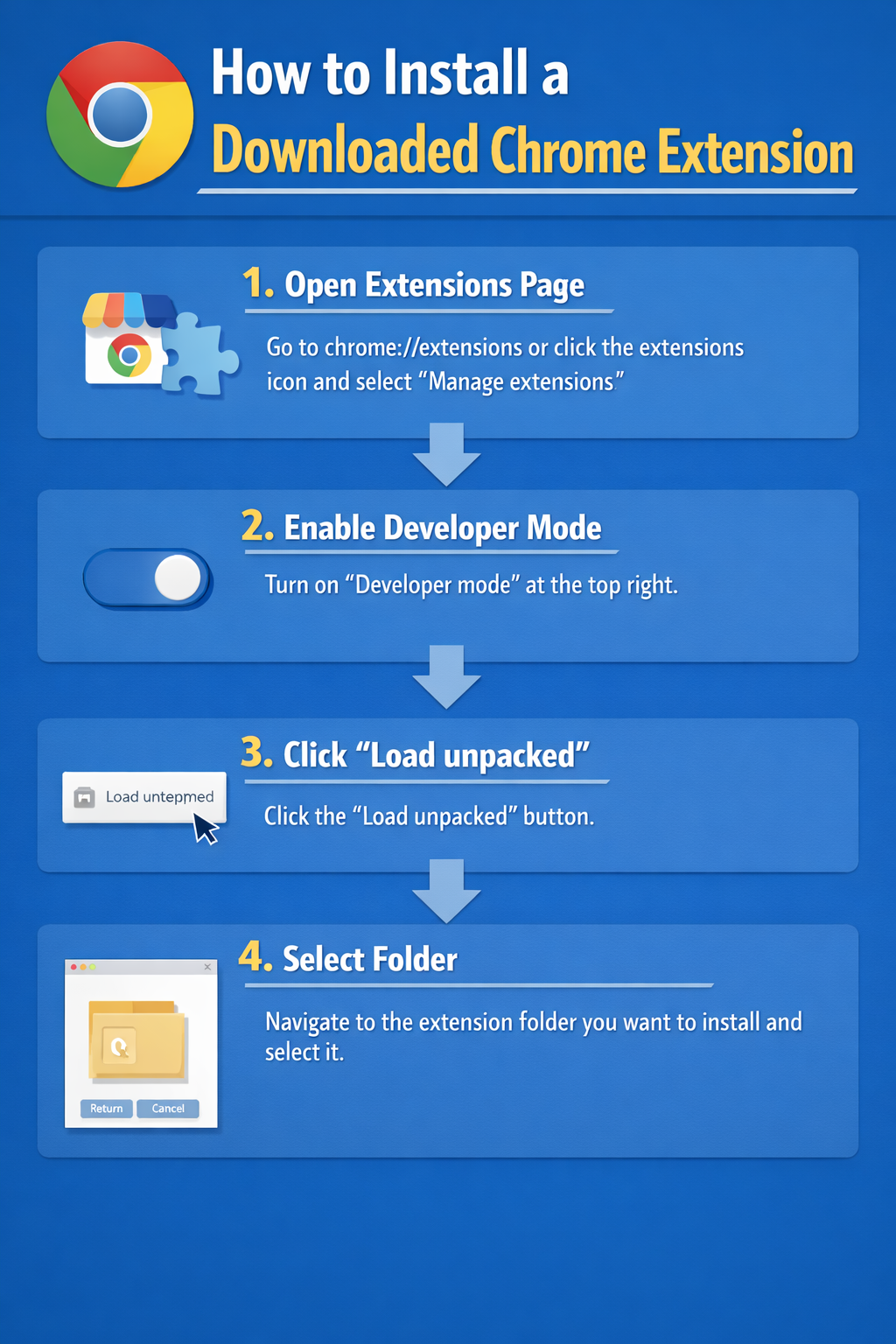
- Download and install the extension.
- Log in and start saving notes.
Sign up
Start with your email address. We’ll send a code so you can create your account.
Go to Sign-UpDownload
Get the Chrome extension that adds a double-heart button and notes UI on supported pages.
Download ExtensionWhat is the “double heart”?
It’s a simple way to mark a listing as saved, and attach your own notes so you don’t lose context when comparing properties later.
Having trouble?
- Make sure JavaScript is enabled.
- Try logging out/in after installing the extension.
- Use “Reset Password” on the login page if needed.